Choose egocentric data collection hardware by testing whether it preserves the observations your learning task needs, with usable timing, calibration, and exports. A head-mounted camera is a starting point. A robotics collection program also needs to know which signals survive from the sensor to the training episode.
This guide covers equipment for recording ego data from human activity. For robot joint positions, commanded actions, or force measurements, plan additional instrumentation: a wearable camera does not directly record those signals.
1. Define the demonstration before choosing sensors
Write down one representative task, its working distance, and its success condition. For example, a tabletop assembly episode might need to show both hands, the small part being inserted, the contact area, and the completed assembly. A room-scale task may place more emphasis on movement and scene coverage.
Next, list the outputs your model will consume. Video pretraining, action recognition, reconstruction, and policy learning have different requirements. If your training method needs robot actions, include a plan for robot-side recording or human-to-robot mapping. Human demonstration data provides useful evidence of behavior, but it is not automatically an executable robot trajectory.
2. Test hand visibility and working distance
A head-mounted camera follows the wearer, but head direction and hand activity do not always coincide. Ask a participant to reach below eye level, turn their head, use both hands, and handle the smallest relevant object. Inspect whether the interaction stays visible at those moments.
Compare samples at the intended recording settings. Check motion blur, exposure changes, near-field focus, and occlusion. A wider field of view can retain more context, while leaving a small object with fewer pixels. Nominal resolution alone cannot settle this tradeoff.
3. Choose the depth and motion signals deliberately
RGB preserves appearance. Depth adds geometric information. An IMU records acceleration and angular velocity that can support motion estimation alongside vision. Each extra stream also adds calibration, storage, and processing work.
Ask the supplier how depth is produced: a dedicated depth stream, stereo processing, or another inference method. Request the units, valid range, missing-value convention, and any confidence information. Evaluate it on your actual objects and lighting. RealSense's depth-quality testing guidance illustrates why coverage, error, and operating conditions need separate checks; its device-specific results are not specifications for ZL Capture.
For the IMU, a higher sample rate gives more frequent measurements, but does not by itself establish lower noise, better timing, or more accurate pose. For a deeper explanation, see RGB-D and IMU wearable capture for robot learning.
4. Ask for synchronization and calibration evidence
Request an explanation of each timestamp: exposure time, sensor sampling time, or host arrival time. Ask how streams share a clock, what residual timing error is measured, and how dropped frames or clock resets are represented. A claim of synchronized recording needs a test that reflects the motion in your task.
Request camera intrinsics, camera-to-camera and camera-to-IMU transforms, coordinate conventions, and calibration version information. ETH Zurich's visual-inertial calibration workflow provides a concrete example of the relationships involved. It is a useful reference for supplier discussions, not a claim that a particular device uses Kalibr.
5. Review a complete episode export
Ask for a representative export you can open in your own pipeline. Inspect raw observations, timestamps, calibration files, derived outputs, and task boundaries together. Check the delivery format, licensing, processing dependencies, and whether the same export remains available when you scale collection.
For a useful pilot, agree on checks such as the proportion of the interaction with both hands visible, missing frames, depth validity in the working region, and whether your loader can reconstruct the episode timeline. Set acceptance thresholds from the task; there is no universal value that makes every demonstration trainable.
6. Compare the cost of accepted episodes
Device price is only one part of procurement. Measure setup time, fit adjustment, recording interruptions, transfer time, and the fraction of sessions you reject. Test comfort and mounting stability for the expected session length. Ask for measured battery runtime, thermal behavior, storage requirements, repair arrangements, and delivery lead time for the proposed configuration.
A useful operating metric is total collection and processing cost divided by the number of episodes that pass your acceptance checks. This makes operator effort and downstream rework visible alongside the hardware quotation.
Where ZL Capture V1 and L1 fit
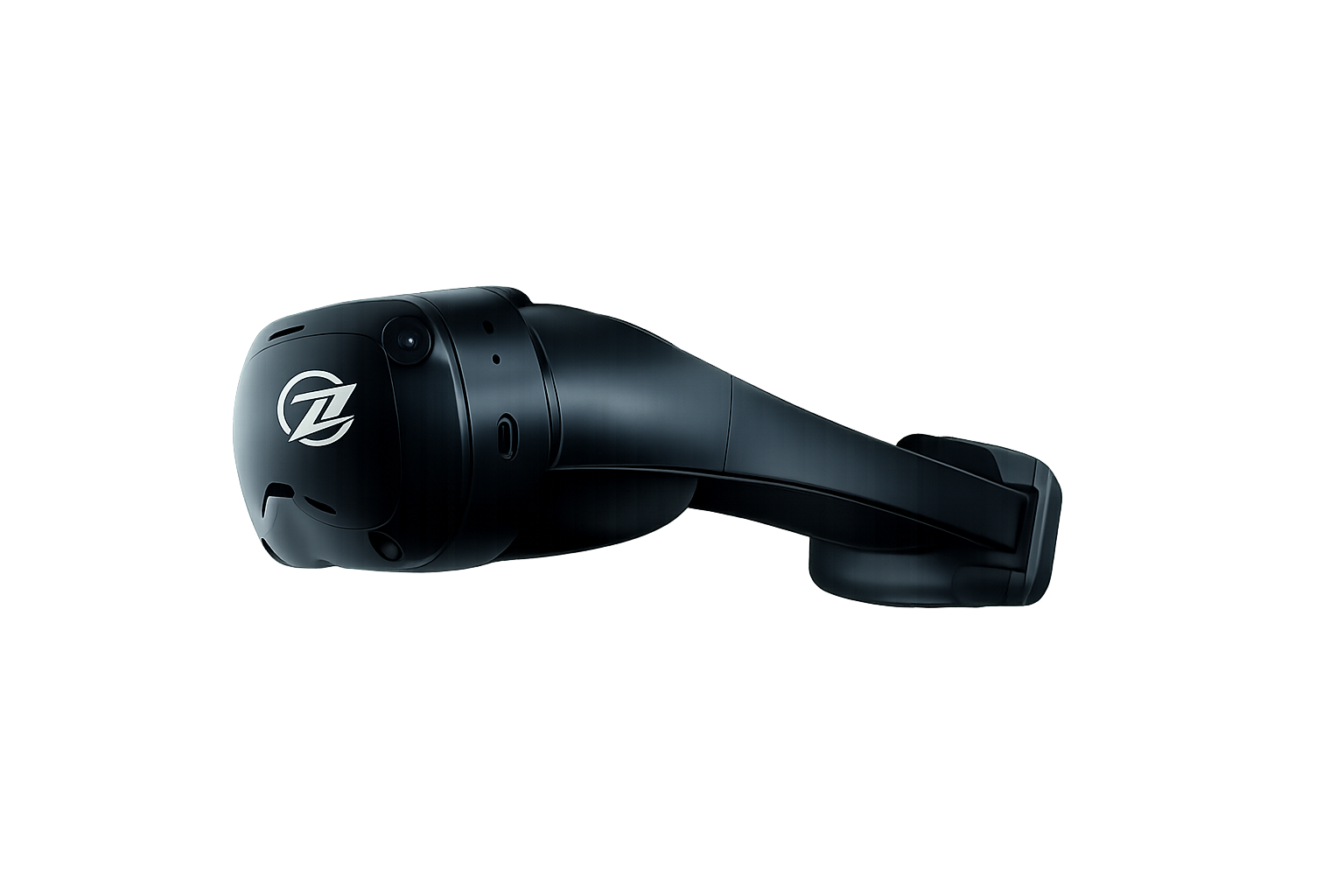
ZL Capture V1 is the higher-dimensional option: two HD RGB cameras, two VGA grayscale fisheye cameras, two 1000 Hz IMUs, a native depth stream, and 6DoF head pose. It is a starting point for programs evaluating richer visual and inertial observation.
ZL Capture L1 is the lightweight option: two HD RGB cameras, one 200 Hz IMU, synthetic depth, and 6DoF head pose. Evaluate its depth output against your geometry requirements rather than treating synthetic depth as equivalent to V1's native depth.
These are the published product profiles. Confirm frame rates, timing tolerances, depth performance, weight, runtime, and export details for your proposed collection setup. For additional modalities or custom integration, discuss Zerolaw Multimodal Solutions.
What to include in a supplier inquiry
- Task and environment: representative activities, objects, working distances, lighting, and participant movement.
- Required signals: RGB, depth, IMU, head pose, and any separately instrumented hand, body, or robot signals.
- Collection scale: number of devices, session length, operators, and delivery schedule.
- Data requirements: export format, raw-data access, calibration, timestamps, and downstream training workflow.
- Pilot acceptance: a sample task and the measurements needed to approve the equipment.
Use the ZL Capture product comparison to shortlist a configuration, then bring this brief to a hardware discussion. It gives the supplier enough context to propose a system and a testable pilot.